
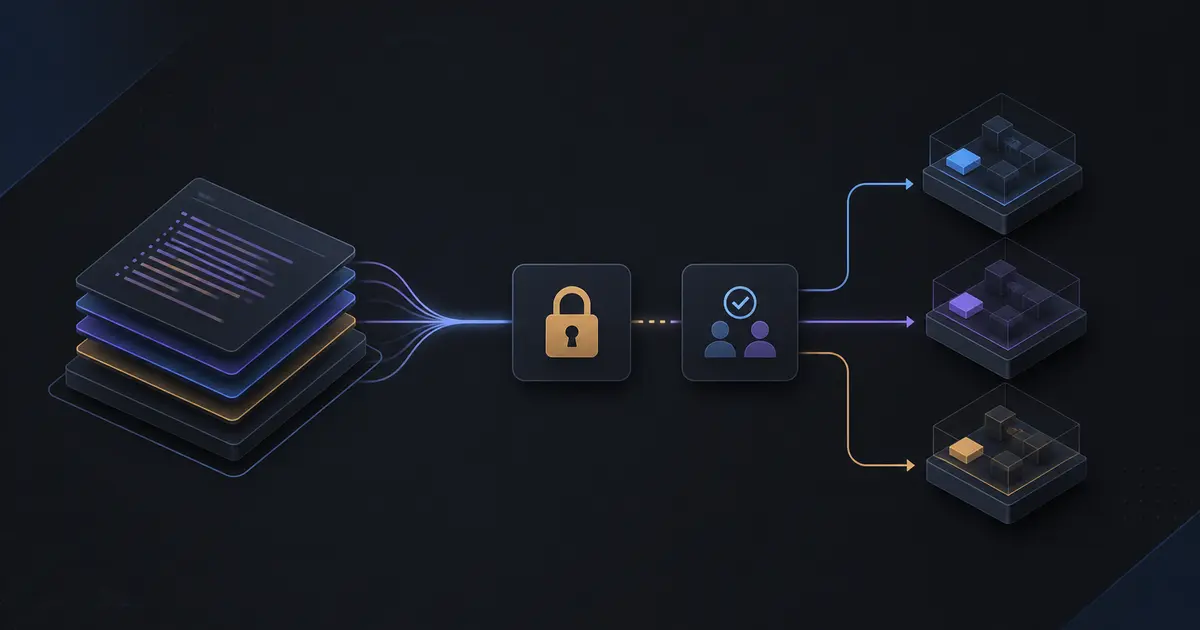
TL;DR: Separate state by environment and ownership boundary, keep modules small, review every plan, use short-lived CI credentials, detect drift, and make destructive changes deliberately. Terraform is a change-management system as much as a configuration language.
Why Environment Design Matters
Many Terraform problems begin when development, staging, and production share one state file or one set of variables. A harmless test change can then affect a production resource, and a refactor can make Terraform believe that a database should be replaced.
Use separate state and, for high-risk systems, separate AWS accounts. The boundary should match the blast radius you are willing to accept.
State Is Operational Data
Remote state needs encryption, versioning, access control, and locking. Limit who can read it because state may contain sensitive attributes even when configuration stores only references. Back up and test state recovery before an incident.
Do not edit state manually as a routine fix. First understand why configuration and reality diverged. If state surgery is unavoidable, review it like a production database migration and record the reason.
Design Modules Around Ownership
A module should expose a stable capability such as a service network, application runtime, or database. Avoid a giant module containing every resource in the company; it increases coupling and makes plans hard to review.
Keep application modules independent from environment policy where possible. The environment can supply sizing, regions, tags, and identifiers while the module expresses how the capability is assembled.
Use Plans as a Review Artifact
CI should run formatting, validation, security scanning, and a plan for every change. Review additions, updates, replacements, and deletions separately. A plan that replaces a database or load balancer deserves a migration plan, not an approval click.
Require an explicit approval for production applies. Use short-lived identity federation from the CI system instead of long-lived access keys. Scope permissions to the actions the pipeline needs.
Promote, Do Not Copy Randomly
Use the same module versions across environments, with environment-specific inputs. Promote a tested version from development to staging to production. Do not let each environment drift into a separate implementation that only looks similar.
For data stores, separate infrastructure promotion from data migration. Creating a table or changing an index is not always safe to bundle with replacing the database resource.
Protect Expensive Resources
Use deletion protection, backups, retention policies, and lifecycle rules for databases and storage. Test what destroy would do in a disposable environment. Explicitly document resources that Terraform should manage and resources owned by another system.
Detect Drift and Ownership Conflicts
Manual console changes are sometimes necessary during incidents, but they create drift. Run scheduled plans, review differences, and either codify the change or revert it. Define ownership for DNS, certificates, security groups, and IAM policies so two tools do not fight over the same resource.
A Safe Delivery Workflow
A pull request changes one capability, CI produces a plan, reviewers inspect risk, staging applies after tests, smoke tests run against the environment, and production promotion uses the same approved module version. After apply, verify health and record the change.
Checklist
- State is remote, encrypted, versioned, locked, and access-controlled.
- Production has an appropriate account and state boundary.
- Modules have clear ownership and small interfaces.
- Plans show replacements and deletions prominently.
- CI uses short-lived credentials.
- Promotion reuses tested module versions.
- Data and infrastructure migrations are separated.
- Drift and recovery procedures are exercised.
A Practical Repository Layout
One workable structure is a reusable modules directory plus environment roots that contain only composition and values:
infra/
  modules/
    network/
    application/
    database/
  environments/
    development/
    staging/
    production/
Each environment can pin provider and module versions, configure its own state key, and pass deliberately different sizing and protection settings. Keep shared defaults in versioned modules rather than copying large files between environments.
IAM and Secrets
Terraform needs permission to create infrastructure, but the application should not inherit the same broad permissions. Use separate roles for provisioning, deployment, runtime access, and emergency operations. Prefer identity federation for CI and short-lived credentials for humans.
Never place secret values in variables simply because the variable is marked sensitive. Sensitive values can still enter state and logs. Prefer managed secret stores, references, and carefully scoped runtime access; review state readers as security-sensitive roles.
Handling Destructive Changes
Before applying a plan with replacement or deletion, answer three questions: what user-visible capability is affected, how is data backed up or migrated, and how will the previous state be restored? Use lifecycle controls where appropriate, but do not rely on prevent_destroy as the only safety mechanism.
For databases, use expand-and-contract migrations: add a compatible structure, deploy code that can use both versions, backfill or migrate data, switch reads and writes, and remove the old structure only after observation.
Review Checklist for Every Plan
- Are any state files, IAM policies, security groups, or databases changing?
- Does the plan replace a resource because of a naming or immutable-field change?
- Are tags, backups, encryption, and deletion settings preserved?
- Is the provider or module version changing at the same time?
- Does the plan belong to the correct account and workspace?
- Can the change be rolled back without restoring from backup?
Our DevOps and cloud deployment services help teams turn fragile console-managed AWS environments into reviewable, repeatable infrastructure.