
UI/UX Design Systemsby SoftwareCrafting
Pixel-perfect prototypes and design systems that translate directly to production code by SoftwareCrafting.
No sales calls. Written reply in under 4 working hours.
Delivery Time
1-4 weeks
Service Overview
We build design systems that engineering actually uses, which is a different problem from producing a beautiful component library. The failure mode is familiar: a polished Figma file, a component library that drifts from it within a quarter, and product teams rebuilding buttons because the shared one does not quite fit. We avoid that by treating design tokens as the single source of truth, generating both the design tool variables and the code from them, so colour, spacing, and typography cannot diverge. Components are built accessible from the start with keyboard navigation, focus management, and screen reader semantics handled properly, usually on Radix or Base UI primitives so behaviour is correct before styling begins. We document usage rather than only appearance, including which component to reach for, what each prop is for, and what not to do. The result is a system where the easy path is the correct one, which is the only version of a design system that survives.
Technologies we use
Key Features
- Product journey mapping and UX audits
- Wireframes for core conversion and product flows
- High-fidelity responsive UI in Figma
- Design tokens for color, spacing, typography, and states
- Reusable component libraries for SaaS and mobile apps
- Prototype testing for onboarding, checkout, and dashboards
- Developer handoff with states, specs, and interaction notes
- Accessibility-aware components and form patterns
- Design tokens generating both design tool variables and application code
- Accessible component primitives with correct keyboard and screen reader behaviour
- Component documentation covering usage and not only appearance
- Light and dark theming driven from the token layer
- Visual regression testing to catch unintended component changes
- Contribution guidelines so product teams can extend the system
- Accessibility audit against WCAG with remediation
- Migration plan for adopting the system in an existing product
Pricing Snapshot
Starting from ₹15,000 for standard UI/UX design projects
- Model: project
- Timeline: 1-4 weeks
Our Delivery Process
We use an agile, transparent process to ensure your project is completed on time and meets exactly your needs.
Product and user-flow audit
We review your current screens, product goals, analytics signals, and user journeys to identify friction in the workflows that matter most.
Wireframes and interaction model
We map the information architecture, page hierarchy, forms, empty states, and key decision points before polishing visual design.
Design system and UI screens
We create production-ready Figma components, responsive layouts, design tokens, and variants that map cleanly to React or mobile code.
Developer handoff and QA
We package specs, states, assets, and implementation notes, then review the built UI so the final product matches the intended experience.
Why Choose SoftwareCrafting?
- Faster engineering handoff with fewer design questions
- Consistent UI across product, marketing, and mobile surfaces
- Better signup, onboarding, checkout, and dashboard completion rates
- Accessible components that reduce rework during implementation
- A reusable system your internal team can keep extending
- Sharper product storytelling for investors, customers, and early users
- Design and code that cannot drift, because both come from the tokens
- Accessibility handled in the primitives instead of retrofitted
- Product teams shipping faster because the shared component fits
- Theming without duplicating component variants
- Visual regression tests catching changes review would miss
Frequently Asked Questions
Do you only design screens, or can you also implement the UI?
Can you improve an existing product without a full redesign?
What do we receive at handoff?
How much does a design system engagement cost?
Why do design systems usually fail?
Do we need a full design system or just components?
How do you handle accessibility?
Can you adopt this into an existing product?
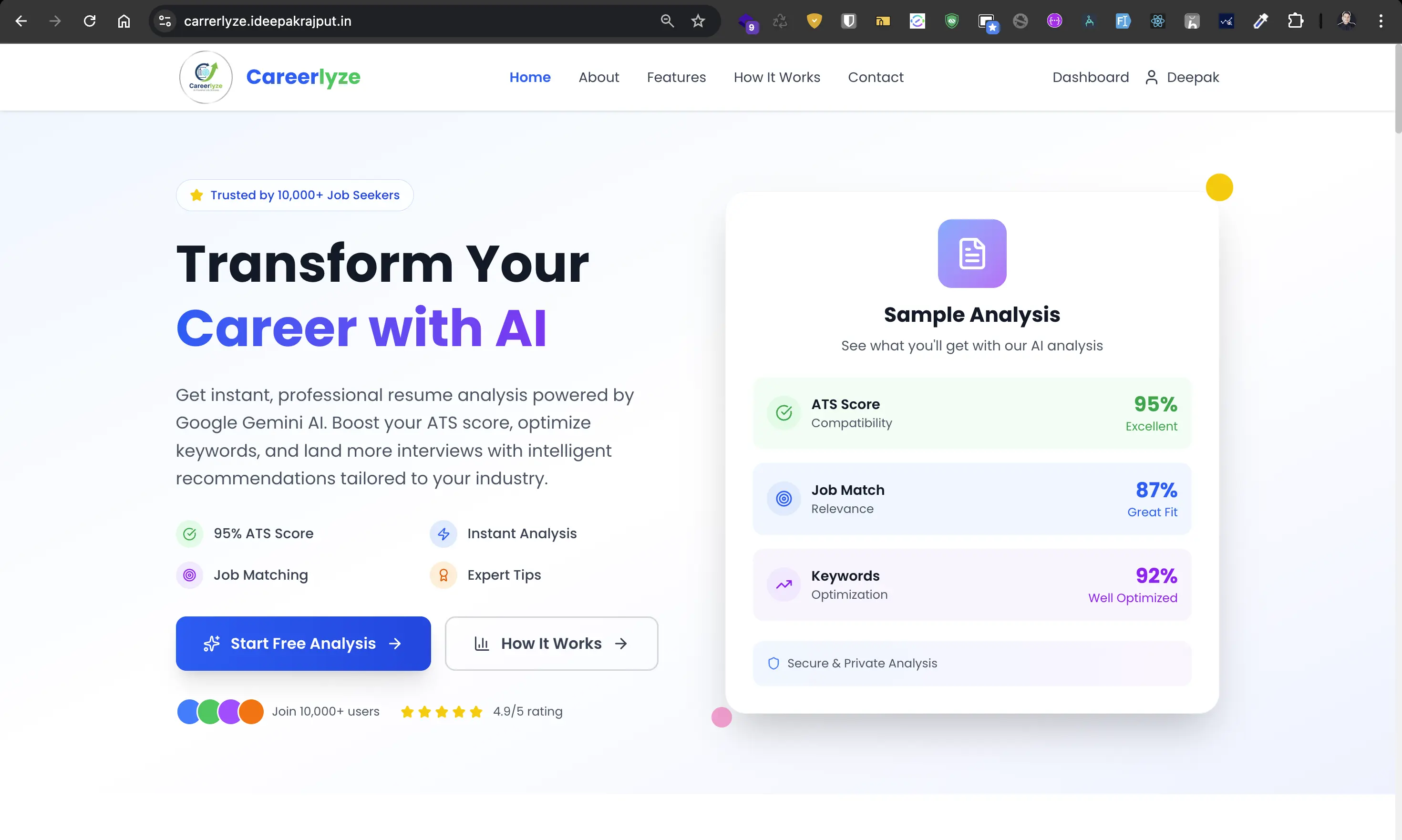
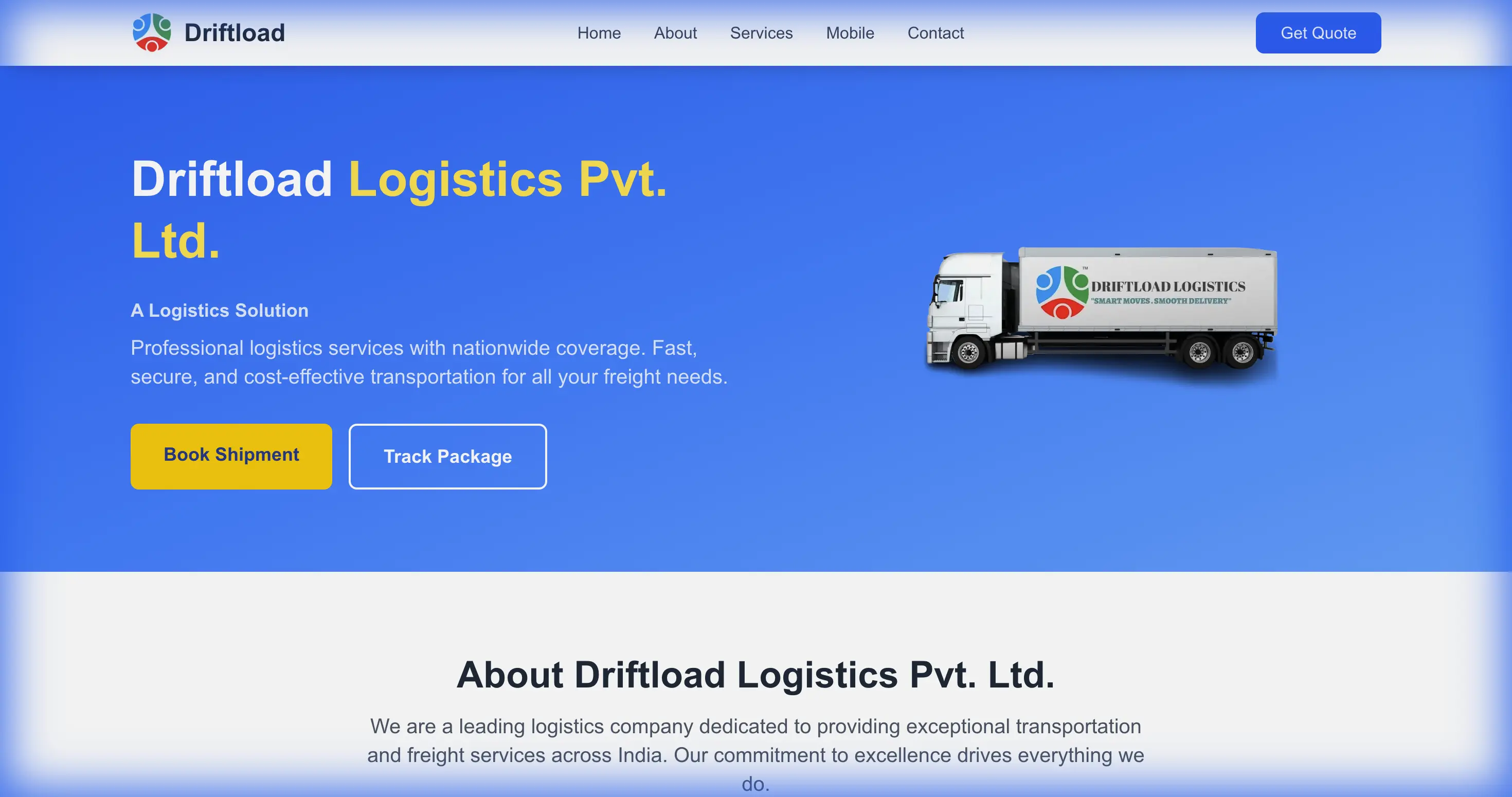
Case Studies
See how we've delivered results for our clients.
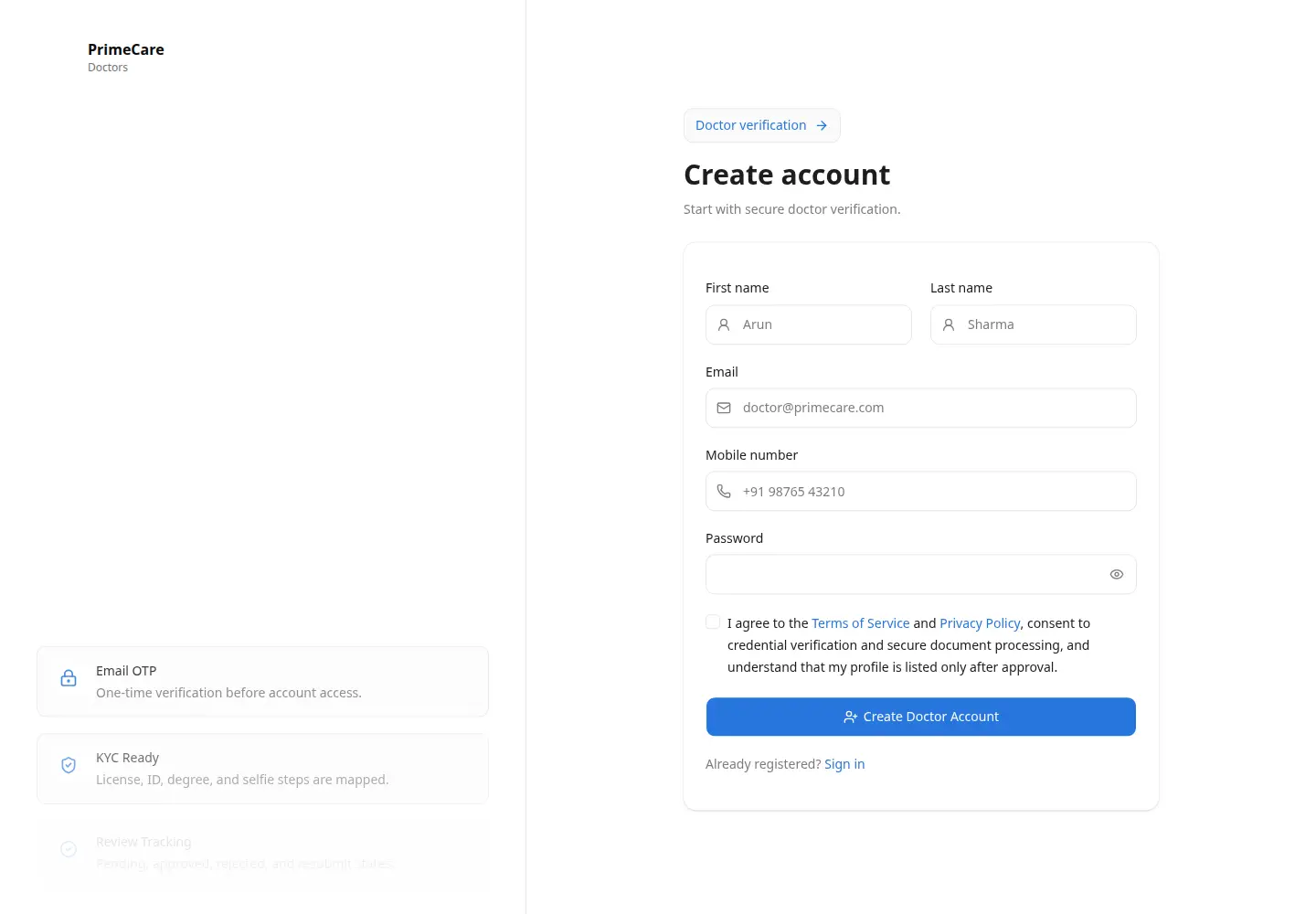
Guides that support this service
Practical engineering notes connected to ui/ux design systems decisions, architecture, and implementation trade-offs.
Related services
Services often paired with UI/UX Design Systems
These internal links help buyers and search engines understand the full delivery path around this service.
Solutions & industries
Where teams use ui/ux design systems
Explore the industry solutions and locations we deliver this capability for, or talk to a Delhi/India-based senior engineer.
Client Success & Reviews
See what our clients say about our UI/UX Design Systems delivery.
"Great experience working with the team - they built a high-quality website and app with excellent attention to detail. Communication was clear throughout, technical knowledge was strong, and delivery was on time. Bug fixes and support were quick whenever needed, and all project requirements were met. Highly recommended for anyone looking for a reliable, professional team."
Avesh Mansuri
Client
Let's build your
next big thing.
Stop compromising on quality. Talk to our technical directors today and find out how our elite engineers accelerate your ui/ux design systems deliverables.
Quick Brief
Start the conversation here
Tell us about your ui/ux design systems project and we'll reply with a technical response and next steps.
Your Name
Work Email
What do you need help with?