
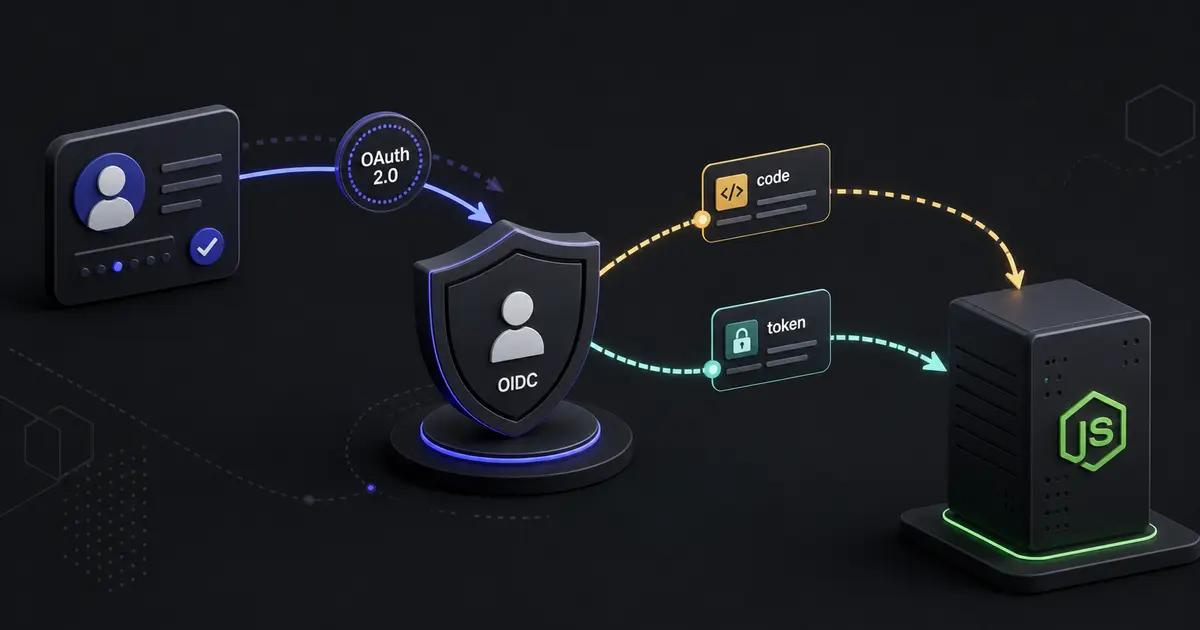
TL;DR: OAuth 2.0 delegates authorization, while OpenID Connect adds an identity layer for login. For browser and mobile applications, use Authorization Code with PKCE, validate the issuer, audience, nonce, state, and redirect URI, and prefer a secure server-side session over exposing refresh tokens to browser JavaScript.
OAuth and login are not the same thing
OAuth 2.0 is an authorization framework. It lets a resource owner grant a client limited access to a protected resource without sharing a password. OpenID Connect, or OIDC, builds an identity protocol on top of OAuth by introducing an ID token and standard claims about the authenticated user.
This distinction matters. An access token answers “what may this client access?” An ID token answers “who authenticated, according to this issuer?” Do not treat an access token as a user profile or accept any token simply because it is a signed JWT.
The authorization code flow with PKCE
For a web or mobile application, the recommended modern flow is Authorization Code with Proof Key for Code Exchange. The client creates a random code_verifier, derives a code_challenge, and sends the challenge to the identity provider. The provider returns a short-lived authorization code. The client then exchanges the code and verifier for tokens.
The flow prevents an intercepted authorization code from being redeemed without the verifier. It does not remove the need for exact redirect URI validation, state protection, TLS, and token validation.
The main actors are:
- The resource owner is the user.
- The client is your web, mobile, or server application.
- The authorization server authenticates the user and issues codes or tokens.
- The resource server hosts the protected API.
Register the client securely
Create separate clients for local development, staging, and production. Register exact redirect URIs, not broad wildcards. A production callback such as https://app.example.com/auth/callback should not accept arbitrary subdomains unless the design explicitly validates them.
Keep client secrets on the server. Public native clients cannot keep a secret, which is why PKCE is essential. Store issuer URL, client ID, redirect URI, and scopes in environment-specific configuration. Never commit provider secrets or copy production credentials into local examples.
Generate state, nonce, and PKCE values
State binds the callback to the login attempt and helps prevent CSRF. The nonce binds the ID token to the request and protects against replay. The verifier protects the authorization code exchange.
import crypto from 'node:crypto';

const base64url = (value: Buffer) => value.toString('base64url');

export function createLoginRequest() {
  const state = base64url(crypto.randomBytes(32));
  const nonce = base64url(crypto.randomBytes(32));
  const verifier = base64url(crypto.randomBytes(32));
  const challenge = base64url(crypto.createHash('sha256').update(verifier).digest());

  return { state, nonce, verifier, challenge };
}
Store the state, nonce, and verifier in a short-lived, secure, same-site transaction record associated with the browser session. Do not put a sensitive user object in a query parameter. The callback should consume the transaction once.
Build the authorization URL
Request only the scopes you need. For OIDC login, this typically includes openid, plus profile or email when those claims are actually required. Extra scopes create unnecessary consent and data exposure.
const authorizationUrl = new URL(`${issuer}/authorize`);
authorizationUrl.search = new URLSearchParams({
  client_id: clientId,
  response_type: 'code',
  redirect_uri: redirectUri,
  scope: 'openid profile email',
  state,
  nonce,
  code_challenge: challenge,
  code_challenge_method: 'S256',
}).toString();
Redirect the browser to the provider. Do not render a password form in your application when a managed identity provider is responsible for user authentication.
Validate the callback before creating a session
The callback must verify that the state matches an unexpired transaction and then exchange the code over a server-to-server TLS connection. Validate the ID token using the provider's discovery document and JWKS keys. Check the signature, issuer, audience, expiration, issued-at time, nonce, and any required authentication context.
Do not select the JWKS endpoint or issuer from a request parameter. It must come from trusted configuration. Cache discovery metadata and keys with sensible refresh behavior so a provider key rotation does not break every login.
After validation, map the provider subject and issuer to your internal user identity. The stable key is normally the pair (issuer, subject), not an email address. Email can change and may not be verified.
Session design for browser applications
For a server-rendered or API-backed web application, prefer a secure application session. Store session state server-side or in an encrypted, integrity-protected cookie. Set HttpOnly, Secure, and an appropriate SameSite value. Rotate the session identifier after login to prevent session fixation.
Do not store refresh tokens in localStorage. Browser JavaScript can be compromised by an XSS vulnerability or unsafe dependency. If your architecture requires a browser token, use a short lifetime, strong CSP, strict origin controls, and a documented revocation strategy.
Your existing guide to secure JWT authentication with HttpOnly cookies covers the session boundary in more detail.
Access tokens and resource servers
The API should validate access tokens according to the authorization server's contract. For JWT access tokens, check signature, issuer, audience, expiration, not-before, and required scopes. For opaque tokens, use introspection over a protected connection and cache only within the provider's guidance.
Authorization is not just token validation. A token with orders:read may still be unable to read another tenant's order. Enforce resource ownership and tenant boundaries in the data access layer. Scope checks should be necessary but not sufficient.
Keep access tokens short-lived. Refresh tokens need rotation, reuse detection, secure storage, and revocation when a session is terminated or a device is removed. Log token family events without logging token values.
Multi-tenant and enterprise identity
If one product supports multiple organizations, the identity provider subject identifies a person, not automatically the active organization. Resolve membership from your own database and require an explicit tenant context selected by the authenticated user. Recheck membership for sensitive actions.
For enterprise customers, OIDC discovery can simplify integration, while SAML and SCIM may be required by the buyer. Keep provider configuration, mapping rules, group synchronization, and audit events separate from application authorization. Our SAML SSO and SCIM architecture guide covers those enterprise additions.
Testing and threat modeling
Test successful login and logout, expired codes, reused codes, mismatched state, mismatched nonce, invalid issuer, wrong audience, missing scope, key rotation, callback replay, and an attacker-controlled redirect. Test what happens when the provider is unavailable during login and token refresh.
Add integration tests against a local or disposable identity provider. Never use a real customer tenant in automated tests. Review cookies, redirects, logs, and error responses with browser developer tools.
Threat-model login CSRF, account linking, session fixation, token leakage through referrers, open redirects, compromised dependencies, and provider account takeover. Authentication failures should be observable without exposing secrets.
Common mistakes
- Calling OAuth an authentication protocol without OIDC validation.
- Accepting an ID token for the wrong issuer or audience.
- Skipping PKCE because the app has a client secret.
- Using email as the permanent identity key.
- Storing refresh tokens in browser storage.
- Allowing wildcard redirect URIs.
- Checking scopes but not tenant or resource ownership.
Production checklist
- Authorization Code with PKCE is used for interactive clients.
- State, nonce, redirect URI, issuer, audience, and expiration are validated.
- Provider discovery and key rotation are handled safely.
- Sessions use secure, HttpOnly cookies or an equivalent protected mechanism.
- Access and refresh token lifetimes and revocation are documented.
- Tenant membership and resource authorization are enforced independently.
- Login, callback, token, and provider failures are monitored.
- Replay, redirect, key rotation, and account-linking tests pass.
Conclusion
OAuth 2.0 and OIDC are reliable foundations when the protocol boundaries are respected. Delegate authentication, validate every returned artifact, keep tokens away from unnecessary browser code, and make application authorization explicit. SoftwareCrafting’s authentication and security service can help implement secure identity flows across Node.js, React, mobile applications, and enterprise providers.