
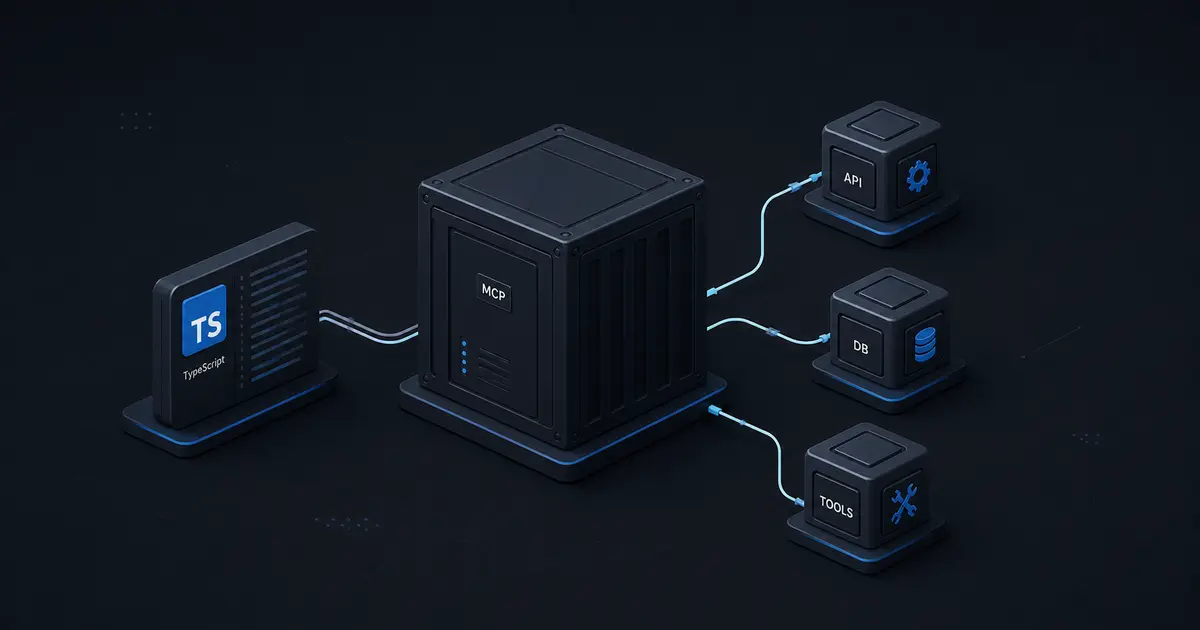
TL;DR: An MCP server is a typed adapter that lets an AI client discover and use capabilities from your systems. Start with one narrow tool, define strict Zod schemas, return useful structured results, test the server with the MCP Inspector, and add authorization before exposing it over the network.
Why build an MCP server?
AI models are good at deciding what a user means, but they do not automatically have access to your database, ticketing system, analytics, or internal APIs. A traditional integration hard-codes every model-to-service connection inside one application. The Model Context Protocol, or MCP, provides a common interface for exposing tools, resources, and prompts to compatible AI clients.
That separation is useful for teams building internal copilots, developer tools, research assistants, and customer-facing agents. The model client can discover a capability such as searchInvoices without needing to know how your billing system works. Your server owns validation, permissions, retries, rate limits, and the translation between the model-friendly interface and the underlying service.
MCP does not make an unsafe API safe by itself. It gives you a standard boundary. You still need to design the boundary carefully.
The MCP mental model
An MCP system has three parts:
- The host is the application containing the AI experience, such as an IDE, desktop assistant, or web agent.
- The client maintains a protocol connection from the host to one MCP server.
- The server exposes tools, resources, and prompts backed by your application logic.
Tools are actions the model may call, such as searching orders or creating a support ticket. Resources are readable context, such as a project document or schema. Prompts are reusable interaction templates. A good first server usually starts with tools because they map naturally to existing APIs.
Choose the transport based on where the server runs. stdio is convenient for local tools because the client launches the process. Streamable HTTP is appropriate for a remote service, where you must handle authentication, concurrency, request limits, and observability like any other public API.
Create the TypeScript project
Use a current Node.js LTS release and keep the server in its own package. The exact SDK APIs can evolve, so pin a tested version and consult the official MCP TypeScript SDK documentation before upgrading.
mkdir support-mcp-server
cd support-mcp-server
npm init -y
npm install @modelcontextprotocol/sdk zod dotenv
npm install -D typescript tsx @types/node
npx tsc --init
Keep compiler safety high from the beginning:
{
  "compilerOptions": {
    "target": "ES2022",
    "module": "NodeNext",
    "moduleResolution": "NodeNext",
    "strict": true,
    "noUncheckedIndexedAccess": true,
    "outDir": "dist",
    "skipLibCheck": true
  }
}
The important choice is strict: true. Tool inputs are untrusted model output, so compile-time types and runtime validation should reinforce each other.
Register a narrow tool
Imagine an existing service that searches support tickets. The MCP tool should expose a small, predictable contract instead of leaking the service's entire internal API.
import { McpServer } from '@modelcontextprotocol/sdk/server/mcp.js';
import { StdioServerTransport } from '@modelcontextprotocol/sdk/server/stdio.js';
import { z } from 'zod';

const server = new McpServer({
  name: 'support-tools',
  version: '1.0.0',
});

server.registerTool(
  'search_tickets',
  {
    title: 'Search support tickets',
    description:
      'Finds tickets visible to the current operator. Use concise search terms and return at most 20 results.',
    inputSchema: {
      query: z.string().trim().min(2).max(120),
      status: z.enum(['open', 'pending', 'closed']).optional(),
      limit: z.number().int().min(1).max(20).default(10),
    },
  },
  async ({ query, status, limit }) => {
    const tickets = await ticketRepository.search({ query, status, limit });

    return {
      content: [
        {
          type: 'text',
          text: JSON.stringify(tickets),
        },
      ],
      structuredContent: { tickets },
    };
  },
);

await server.connect(new StdioServerTransport());
The description is part of the interface. Models use it to decide whether to call the tool, so explain when the tool is appropriate, what it cannot do, and what limits apply. Keep names stable and use descriptions that reflect actual authorization boundaries.
Never trust the TypeScript type alone. The Zod schema validates data at runtime after it has crossed the model and protocol boundary. Add domain validation inside the repository as well, especially for tenant IDs, account IDs, and destructive actions.
Return useful results and errors
Avoid returning an unbounded database dump. Limit rows, select only fields needed by the agent, and include identifiers that can be used in a follow-up call. For example, a ticket search result might include id, title, status, priority, and a short excerpt, not private internal notes.
Errors should help the model recover without revealing secrets. A validation error can say that the query must be at least two characters. An authorization error should not reveal whether a hidden customer exists. A downstream timeout can recommend retrying rather than returning a stack trace.
For actions such as refunding an order or changing access, use a separate confirmation tool or require an explicit approval token. Read tools and write tools should not share an ambiguous name.
Add resources carefully
Resources are useful when an agent needs stable context, such as a project policy or API schema. Keep resource URIs predictable and enforce access control before reading the underlying content. Do not expose an entire filesystem or database just because the protocol can represent it.
Good resource design has three properties:
- The URI identifies a bounded object.
- The result includes a content type and a useful name.
- Access is evaluated for the requesting user and tenant.
For large documents, return a relevant slice or a search result rather than loading the whole document into every model context.
Authentication for remote MCP servers
Local stdio servers inherit the local process boundary, but remote servers need normal API security. Put an authenticated gateway in front of the MCP endpoint, validate the token audience and issuer, and map the identity to application permissions. Do not accept a tenant ID supplied only by the model. Derive it from the verified identity.
At minimum, implement:
- TLS for every remote connection.
- Short-lived credentials with rotation.
- Per-user and per-tenant authorization.
- Request size, call count, and concurrency limits.
- Audit events for every tool call and write operation.
- Redaction of tokens, personal data, and internal errors in logs.
MCP servers often become privileged integration layers. Treat their tools as production API endpoints, not as harmless prompt extensions.
Test the server before connecting an agent
Test the protocol handshake, tool discovery, valid calls, invalid calls, authorization failures, timeouts, and oversized inputs. The MCP Inspector is useful for interactively inspecting capabilities and sending calls without involving a full model client.
Unit-test the business functions separately from the protocol adapter. Then add contract tests that assert the tool name, input schema, result shape, and error behavior. A useful test set includes a tenant trying to read another tenant's ticket, a limit above the maximum, a query containing control characters, and a downstream service returning a 500 response.
For agent-level tests, create fixtures where the model should call the tool, should ask for clarification, or should refuse because the requested action is not permitted. Tool descriptions and examples should be reviewed when these tests change.
Deploy and observe it in production
Package the server as a small container or a versioned Node.js process. Use environment variables for service endpoints and secrets, but do not expose secrets as tool results. Add structured logs with a correlation ID, authenticated principal, tool name, latency, result size, and outcome. Record usage metrics such as calls per tool, validation failures, authorization denials, downstream errors, and token or payload size where available.
Deploy read-only tools first. Establish a budget and a failure policy before enabling writes. A circuit breaker around a slow CRM or ticket system prevents one dependency from blocking every agent conversation.
Common mistakes
- Exposing internal database queries instead of stable domain tools.
- Writing descriptions that are vague, promotional, or inconsistent with behavior.
- Accepting account or tenant identifiers directly from model arguments.
- Returning too much context, including confidential fields.
- Treating a successful tool call as proof that the requested business action is valid.
- Updating the SDK without protocol compatibility tests.
Production readiness checklist
- Every tool has a narrow purpose, schema, limit, and authorization rule.
- Read and write operations are separated.
- Tenant scope comes from verified identity.
- Inputs and downstream responses are validated.
- MCP Inspector and automated contract tests pass.
- Logs, metrics, audit events, and redaction are configured.
- Timeouts, retries, circuit breakers, and rate limits are defined.
- SDK and transport versions are pinned and upgrade-tested.
Final thoughts
The best MCP servers are small, explicit adapters that make existing product capabilities safe and discoverable. Build one useful tool, test it against realistic failures, and then expand by domain. If your team needs help connecting AI systems to internal APIs, data, or workflows, SoftwareCrafting’s AI and machine-learning integration service can help turn a prototype into a governed production integration.
For related architecture decisions, see our guide to building a production AI customer-support agent.
Design the tool boundary before writing the adapter
The most important MCP decision is not the transport. It is deciding what the model is allowed to ask for. A tool should represent a user-meaningful operation, not a thin wrapper around an arbitrary SQL query. search_tickets is easier to authorize and observe than run_sql, even if both eventually read PostgreSQL.
Write a tool contract with the business job, required identity and tenant context, input limits, returned fields, sensitivity classification, and recoverable failures. This contract becomes a review artifact for product, security, and engineering teams. It also gives you a stable seam if the underlying CRM, database, or vendor API changes.
Make tool descriptions model-friendly
Tool descriptions should say when to use the tool, when not to use it, which identifiers it accepts, what the result contains, and what maximum scope applies. Avoid vague verbs such as “manage” when the operation only reads. For destructive actions, state the approval requirement in both the description and the application workflow.
Protect against prompt injection
Documents, ticket comments, emails, and web pages can contain instructions intended to manipulate the model. Treat retrieved text as untrusted data. The server must make authorization decisions independently of model instructions, and sensitive tools should require application-level approval. Return source IDs and structured fields so users can inspect provenance.
Versioning, capacity, and operations
Changing a tool name or input field can break clients that cache discovered capabilities. Prefer additive changes, preserve old fields during migration, and record server and tool versions in logs. Estimate concurrent sessions, calls per conversation, result size, downstream fan-out, and burst behavior. Use queues for slow work, return job IDs, and define an operational runbook for credential rotation, tool disablement, rollback, and replay.
The protocol is only the integration surface. Production quality comes from the same disciplines that protect any privileged API: narrow contracts, explicit identity, bounded work, durable state, and evidence in logs and tests.