
Email & Notificationsby SoftwareCrafting
Transactional emails, marketing campaigns, SMS, and push notifications at scale by SoftwareCrafting.
No sales calls. Written reply in under 4 working hours.
Delivery Time
1-2 weeks
Service Overview
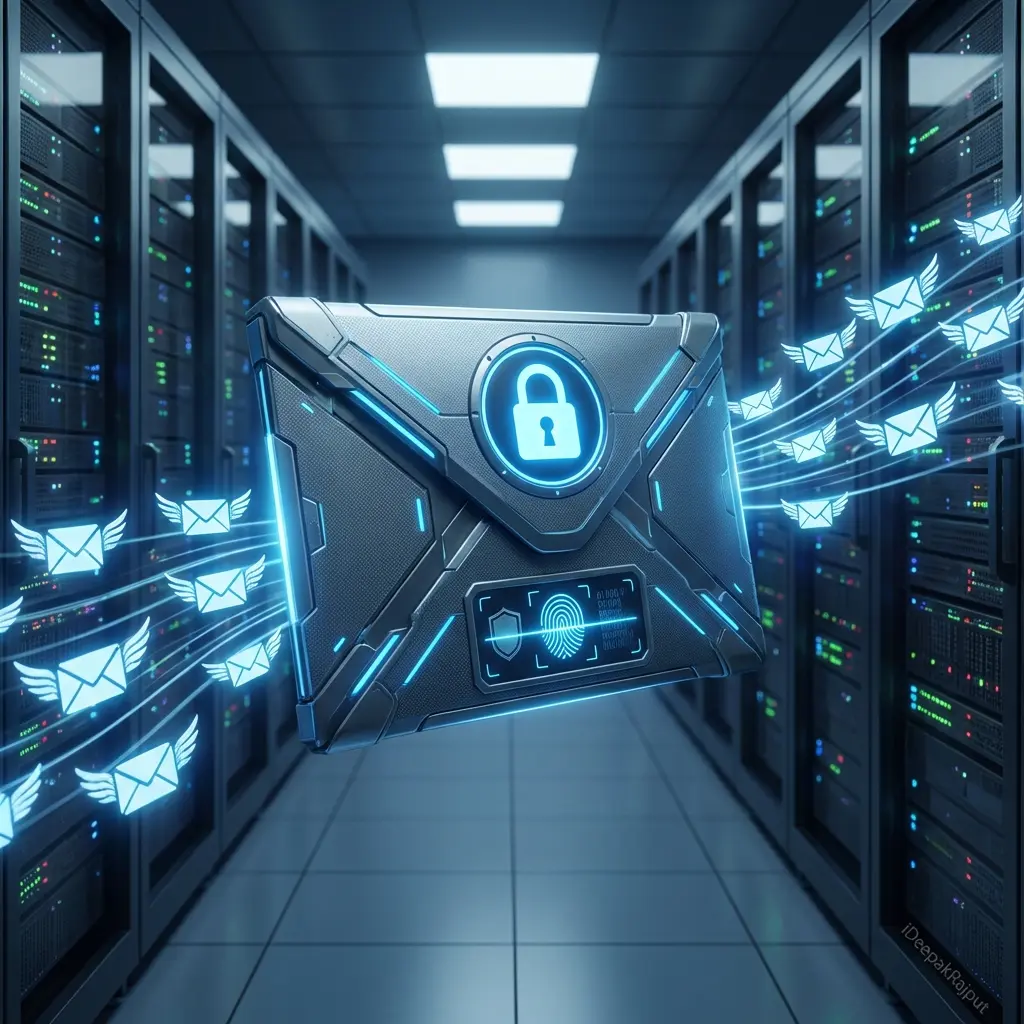
We build transactional email and notification infrastructure that reliably reaches the inbox, which is a harder problem than sending the message. That starts with deliverability: SPF, DKIM, and DMARC configured correctly, a dedicated or properly shared sending domain, subdomain separation between transactional and marketing mail, and a warmup plan if the domain has no sending history. On top of that we build the delivery layer, templates that render correctly across the clients your users actually have, retry and bounce handling, suppression lists that respect unsubscribes and hard bounces, and webhook processing so delivery, open, and complaint events flow back into your product. We also build multi channel notification systems where email is one route alongside in app, push, SMS, and Slack, with user preferences and digest batching so people are not overwhelmed into muting you entirely.
Technologies we use
Key Features
- Transactional email setup with Resend, Postmark, SendGrid, or Amazon SES
- SPF, DKIM, and DMARC configuration and validation
- Sending domain and subdomain strategy with reputation warmup
- Responsive email templates tested across major clients
- React Email or MJML template systems with live preview
- Bounce, complaint, and suppression list handling
- Delivery, open, and click webhook processing into your database
- Retry policies with exponential backoff and dead letter handling
- Multi channel notifications across email, in app, push, SMS, and Slack
- User notification preferences with granular per event control
- Digest batching so high frequency events do not flood inboxes
- Scheduled and time zone aware sending
- Idempotency so a retried job does not send twice
- Deliverability monitoring with inbox placement and reputation tracking
Pricing Snapshot
Starting from ₹12,000 for complete email & notification setup
- Model: project
- Timeline: 1-2 weeks
Our Delivery Process
We use an agile, transparent process to ensure your project is completed on time and meets exactly your needs.
Deliverability audit
Check current authentication records, sending domain reputation, and bounce and complaint rates.
Domain and provider setup
Configure SPF, DKIM, and DMARC, set the subdomain strategy, and select the sending provider.
Template system
Build the template library with a preview workflow and verify rendering across major email clients.
Delivery pipeline
Build queueing, retries, idempotency, suppression handling, and webhook event ingestion.
Preferences and channels
Add user preference management and any additional channels such as in app, push, or Slack.
Warmup and monitoring
Ramp sending volume, monitor placement and reputation, and hand over the deliverability dashboard.
Why Choose SoftwareCrafting?
- Email that reaches the inbox instead of the spam folder
- Authentication configured correctly, which is most of deliverability
- Transactional mail protected from marketing sending reputation
- Templates that render correctly in Outlook, not just in Gmail
- Bounces and complaints handled automatically to protect reputation
- Delivery events flowing back into your product for support visibility
- Retries that never result in a customer receiving the same email twice
- One notification system across every channel rather than four systems
- User preferences that reduce unsubscribes and mute rates
- Deliverability monitored so problems surface before customers complain
Frequently Asked Questions
Why do our emails go to spam?
Which email provider should we use?
Should transactional and marketing email share a domain?
What is DMARC and do we need it?
How do we stop sending duplicate emails on retry?
Can you handle push and SMS as well?
Case Studies
See how we've delivered results for our clients.

Guides that support this service
Practical engineering notes connected to email & notifications decisions, architecture, and implementation trade-offs.
Related services
Services often paired with Email & Notifications
These internal links help buyers and search engines understand the full delivery path around this service.
Solutions & industries
Where teams use email & notifications
Explore the industry solutions and locations we deliver this capability for, or talk to a Delhi/India-based senior engineer.
Client Success & Reviews
See what our clients say about our Email & Notifications delivery.
"Great experience working with the team - they built a high-quality website and app with excellent attention to detail. Communication was clear throughout, technical knowledge was strong, and delivery was on time. Bug fixes and support were quick whenever needed, and all project requirements were met. Highly recommended for anyone looking for a reliable, professional team."
Avesh Mansuri
Client
Let's build your
next big thing.
Stop compromising on quality. Talk to our technical directors today and find out how our elite engineers accelerate your email & notifications deliverables.
Quick Brief
Start the conversation here
Tell us about your email & notifications project and we'll reply with a technical response and next steps.
Your Name
Work Email
What do you need help with?